Fedora 43/42 VMware Install Guide [VMware Workstation Pro 25H2]
Comments
Page Navigation
Table of Contents

This is guide, howto install VMware Workstation Pro (for personal use or with license key) on Fedora 43/42.
VIDEO GUIDE, Howto Install VMware Workstation Pro on Fedora 43/42:⌗
Support inttf:
Buy Me a Coffee:

1. Install VMware Workstation Pro on Fedora 43/42⌗
1.1 Download VMware Workstation Pro⌗
You need broadcom account then goto VMWare Workstation Pro Download Page and download latest version (example: VMware-Workstation-Full-25H2-24995812.x86_64.bundle).
1.2 Check sha256sum⌗
sha256sum ~/Downloads/VMware-Workstation-Full-25H2-24995812.x86_64.bundle
1.3 Make VMware-Workstation-Full-25H2-24995812.x86_64.bundle executable⌗
chmod +x ~/Downloads/VMware-Workstation-Full-25H2-24995812.x86_64.bundle
1.4 Change root user⌗
su -
## OR ##
sudo -i
1.5 Make sure that you system is up-to-date⌗
1.5.1 Fully update your system⌗
## Fedora 43/42 ##
dnf update
1.5.2 After kernel update reboot your system:⌗
reboot
1.6 Install needed dependencies⌗
## Fedora 43/42 ##
dnf install kernel-devel kernel-headers gcc make patch wget
1.7 Run VMware Installer⌗
/home/<username>/Downloads/VMware-Workstation-Full-25H2-24995812.x86_64.bundle
2. Run VMware⌗
2.1 Start VMware⌗
From menu:
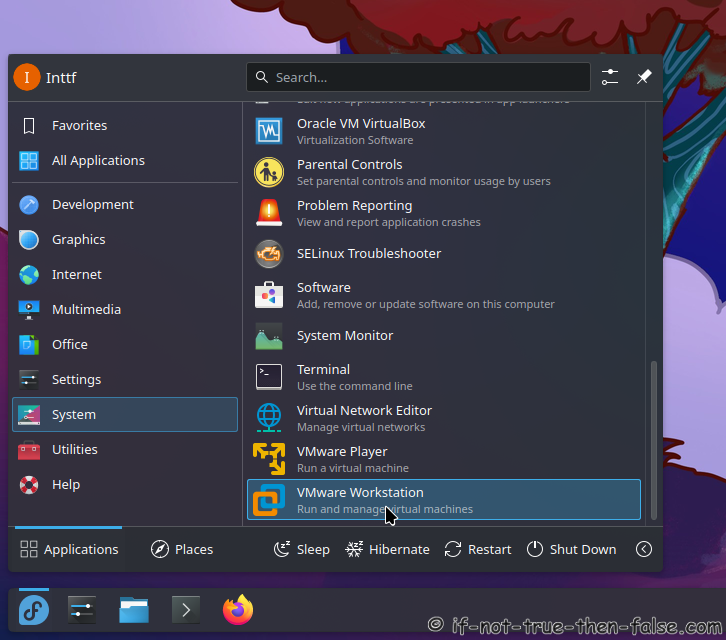
or
From command line:
vmware
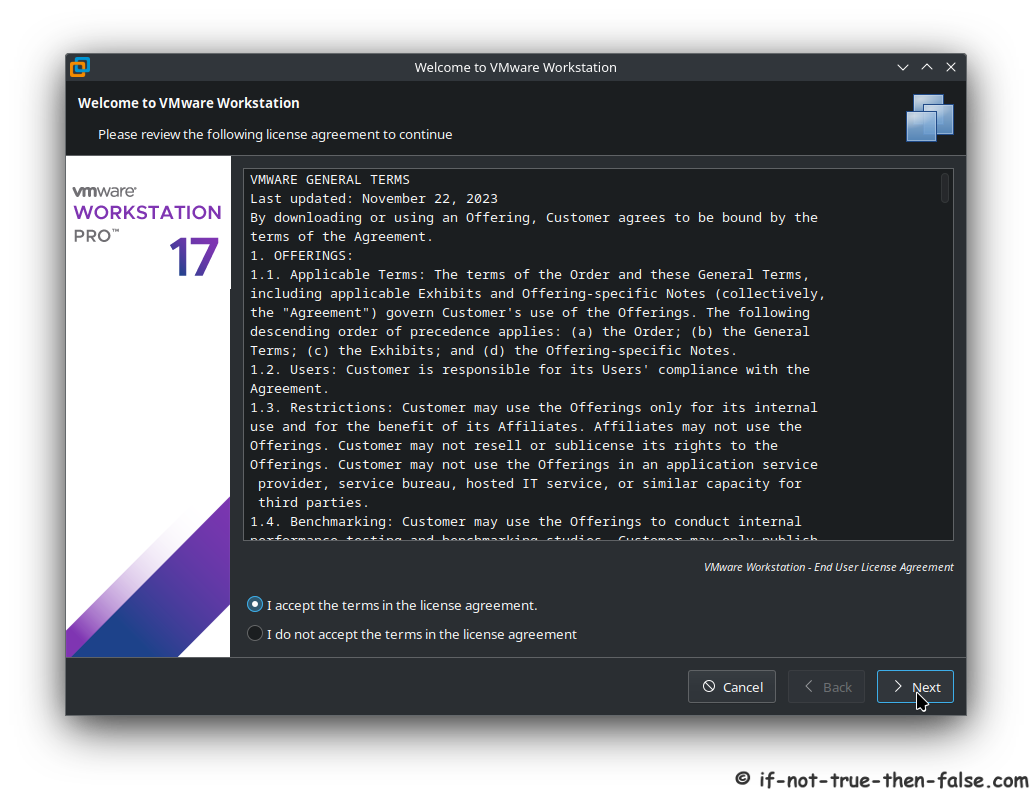
2.2 Accept VMware General Terms⌗
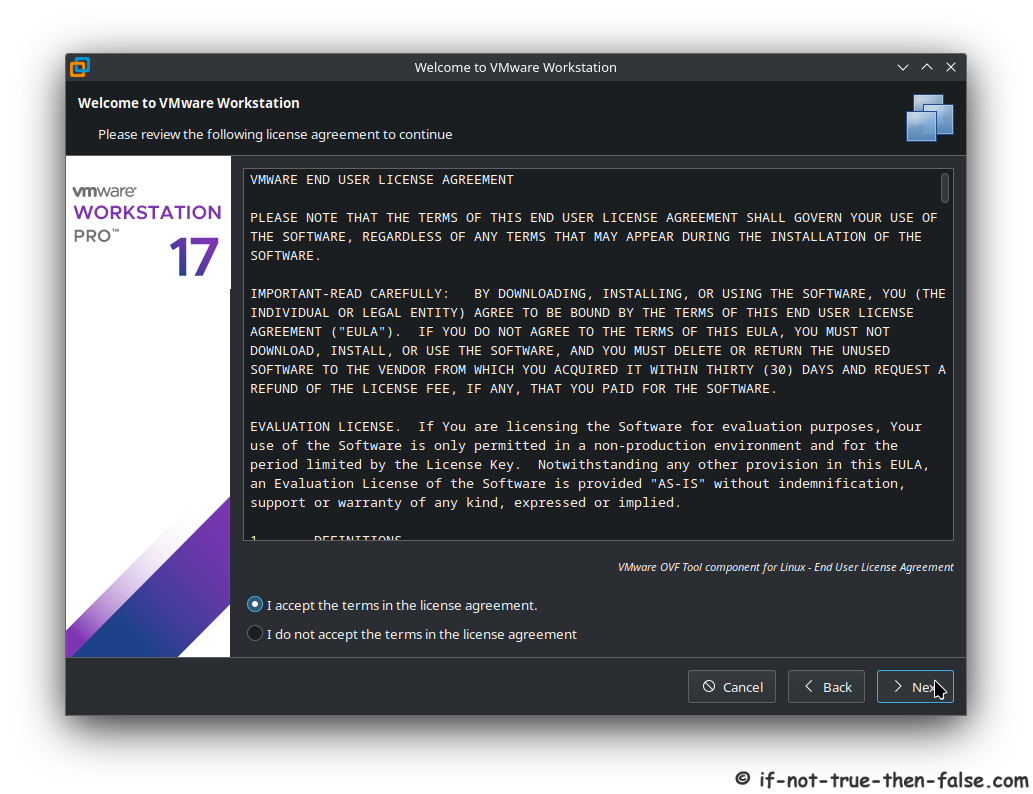
2.3 Accept VMware License⌗
2.4 Check VMware Updates on startup⌗

2.5 VMware’s Customer Experience Improvement Program (“CEIP”)⌗

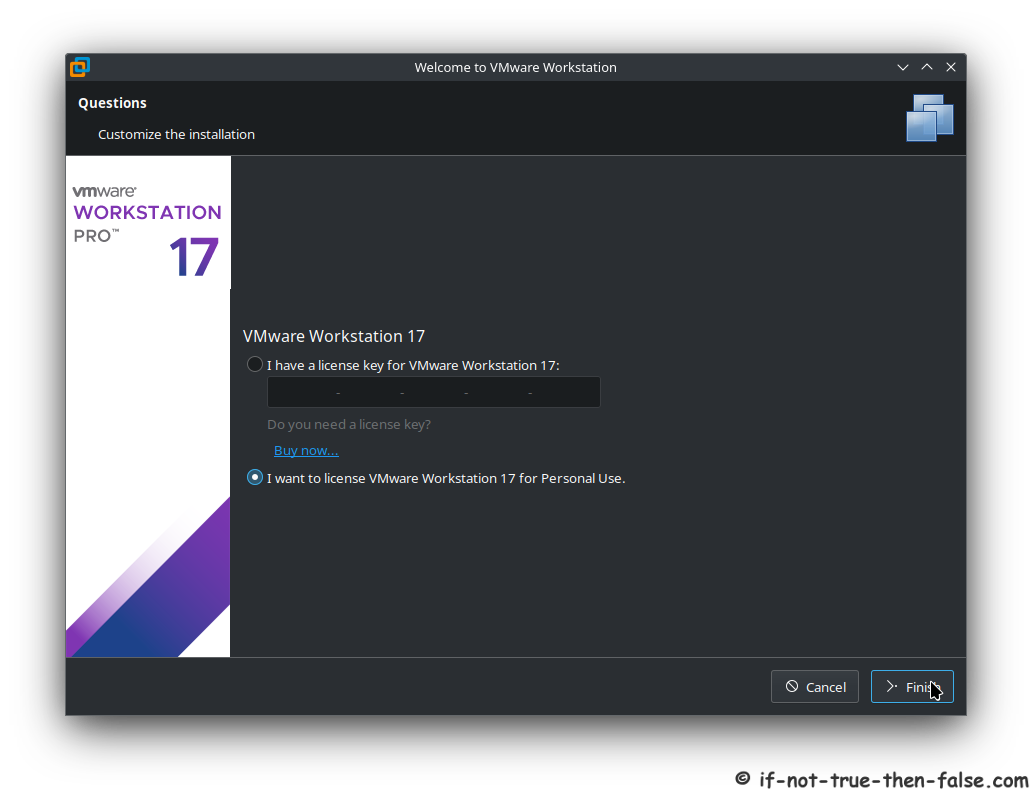
2.6 VMware for personal use or license key⌗
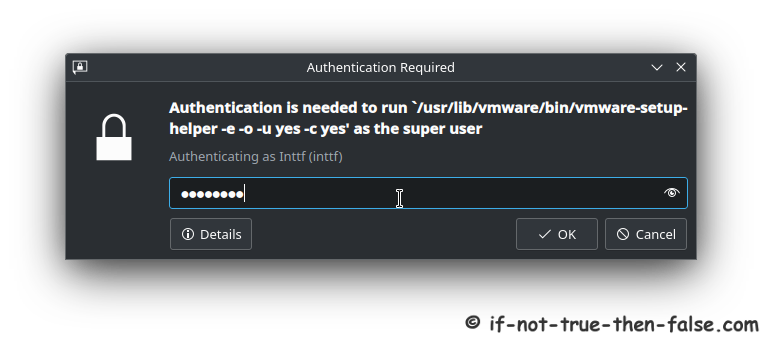
2.7 Authenticate⌗
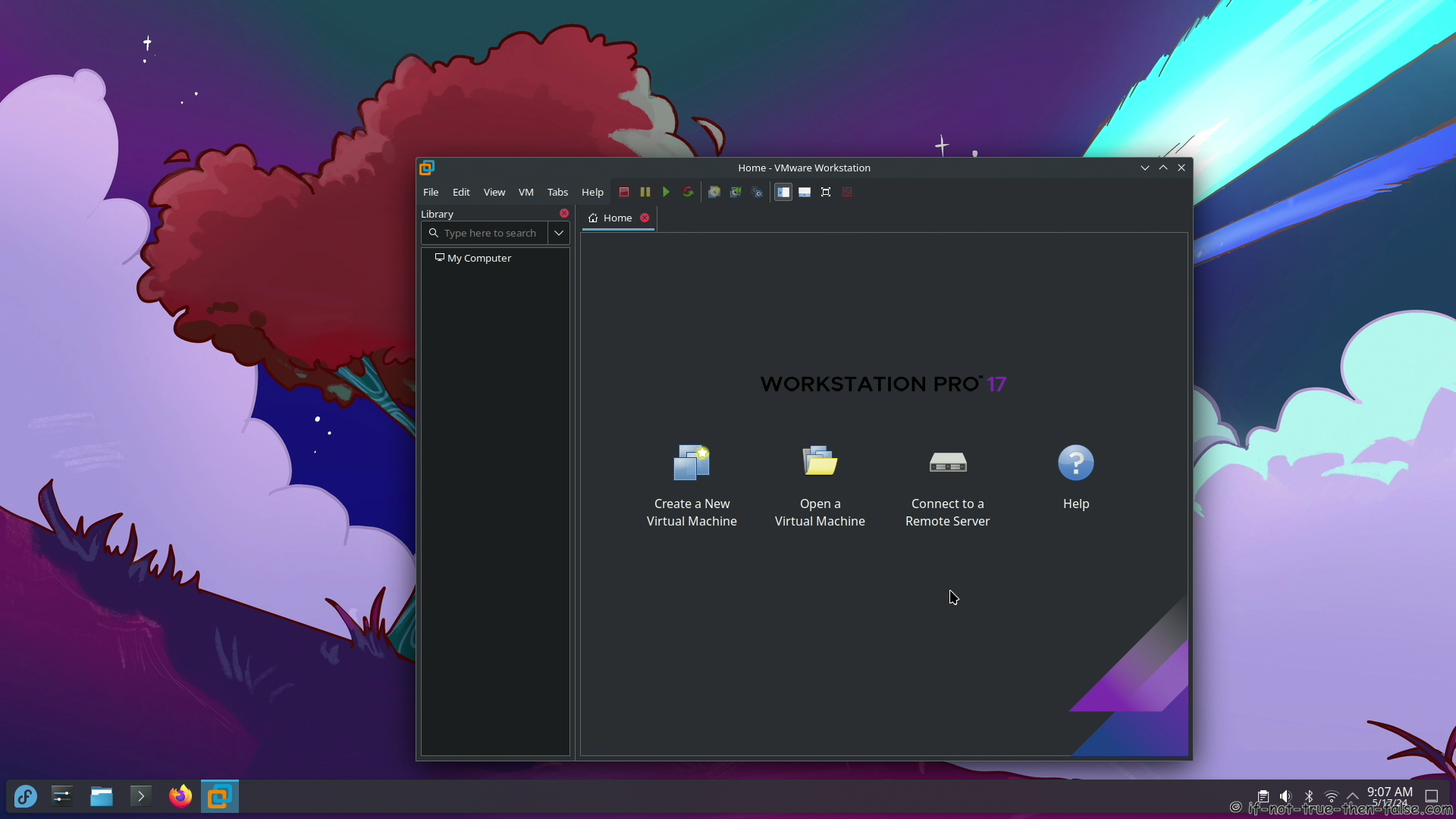
2.8 VMware Workstation Pro 17.6.0 running on Fedora 40⌗
2.9 Support inttf⌗
Buy Me a Coffee:
Thats all!
Please let me know if you have any problems!
Page Navigation